Think in[[links]].
A calm, local-first Markdown workspace for connected notes on macOS. Notes stay plain files in folders you own, and your preferences follow you across every vault.
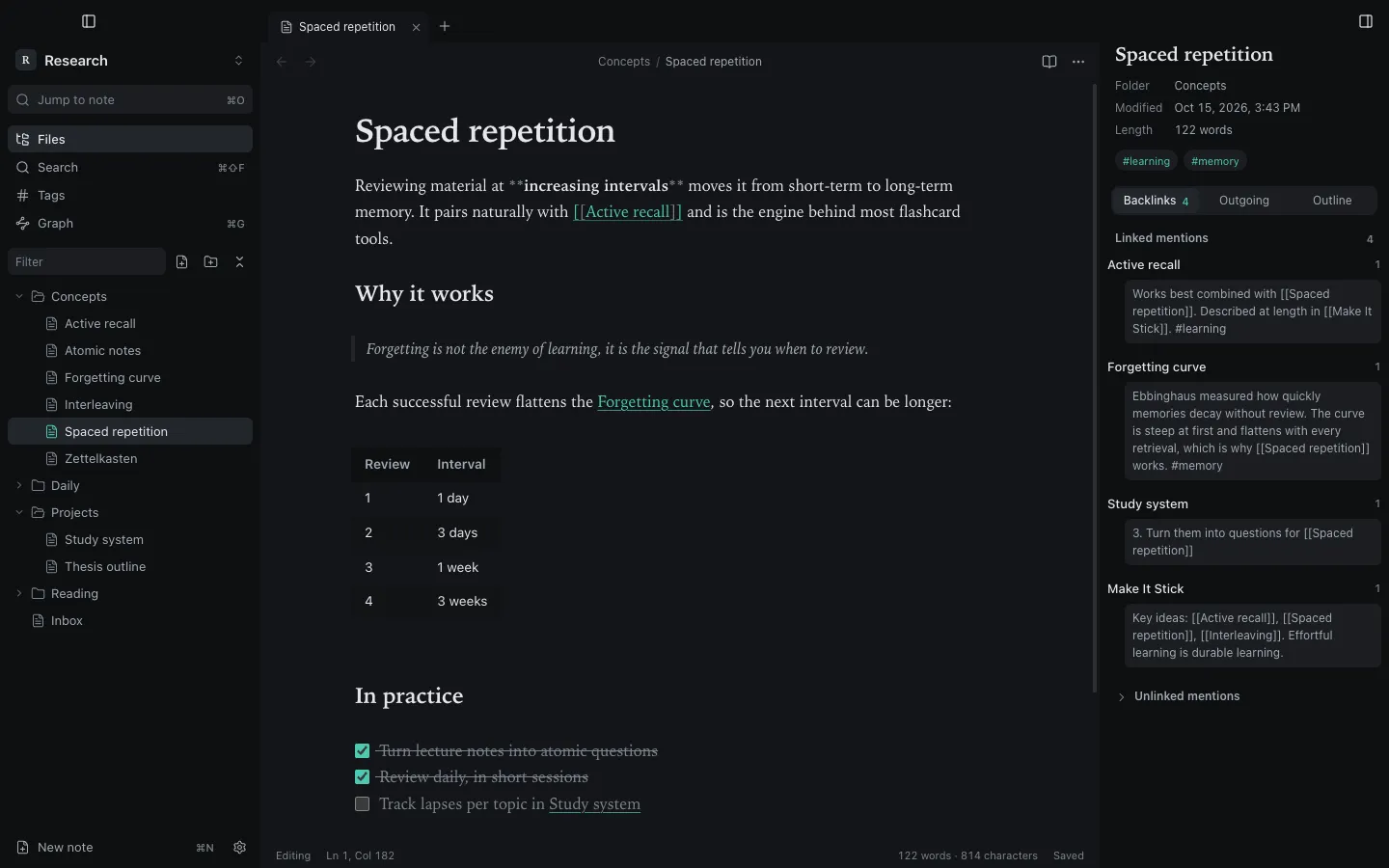
Markdown in.
Prose out.
- You write plain Markdown.
- Synapse renders it as you go.
- The line you edit shows its syntax again.
- On disk, it is still plain Markdown.
Built around the link.
Everything in Synapse starts from one idea: notes are worth more when they point to each other. Pick a feature to see it in the app.
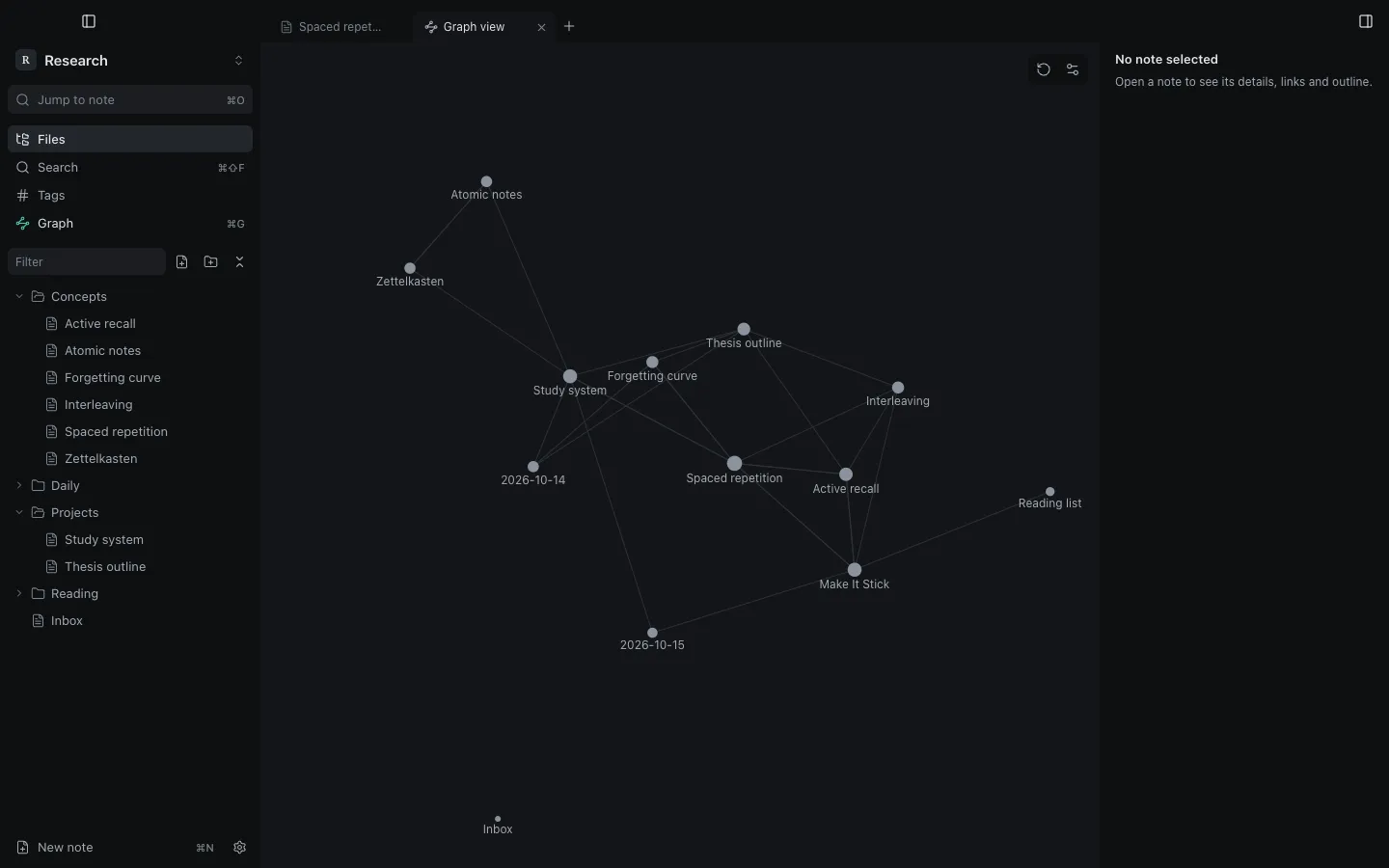
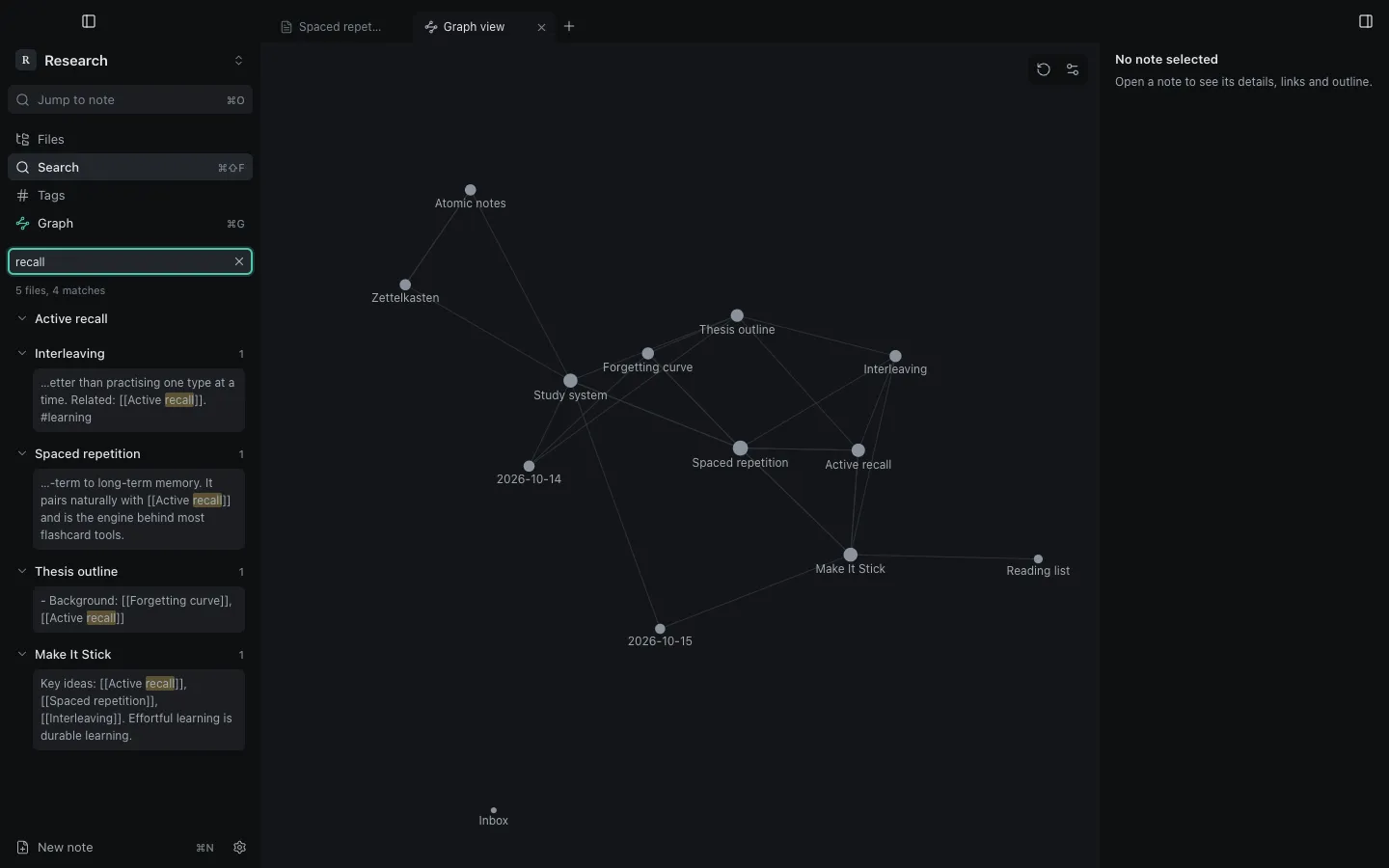
Your notes, as a graph.
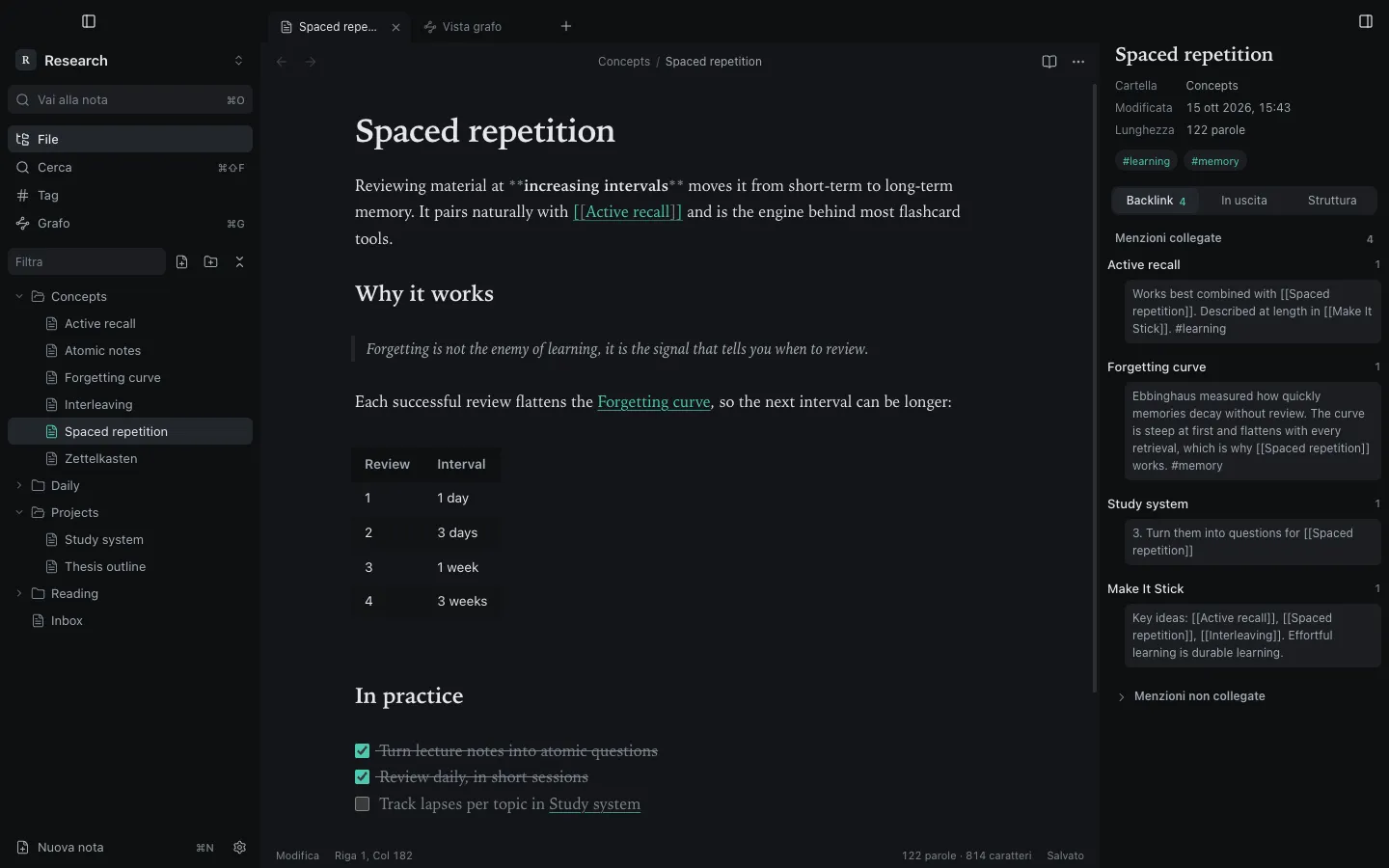
Every [[link]] becomes an edge. Drag a note, hover to see its neighbours, click to read its backlinks. This is the Research vault from the screenshots.
Link autocomplete
Link suggestions
- Spaced repetitionConcepts
Type [[ in a note and Synapse suggests notes from the vault, ranked as you type. This is the same matching, on the Research vault from the screenshots.
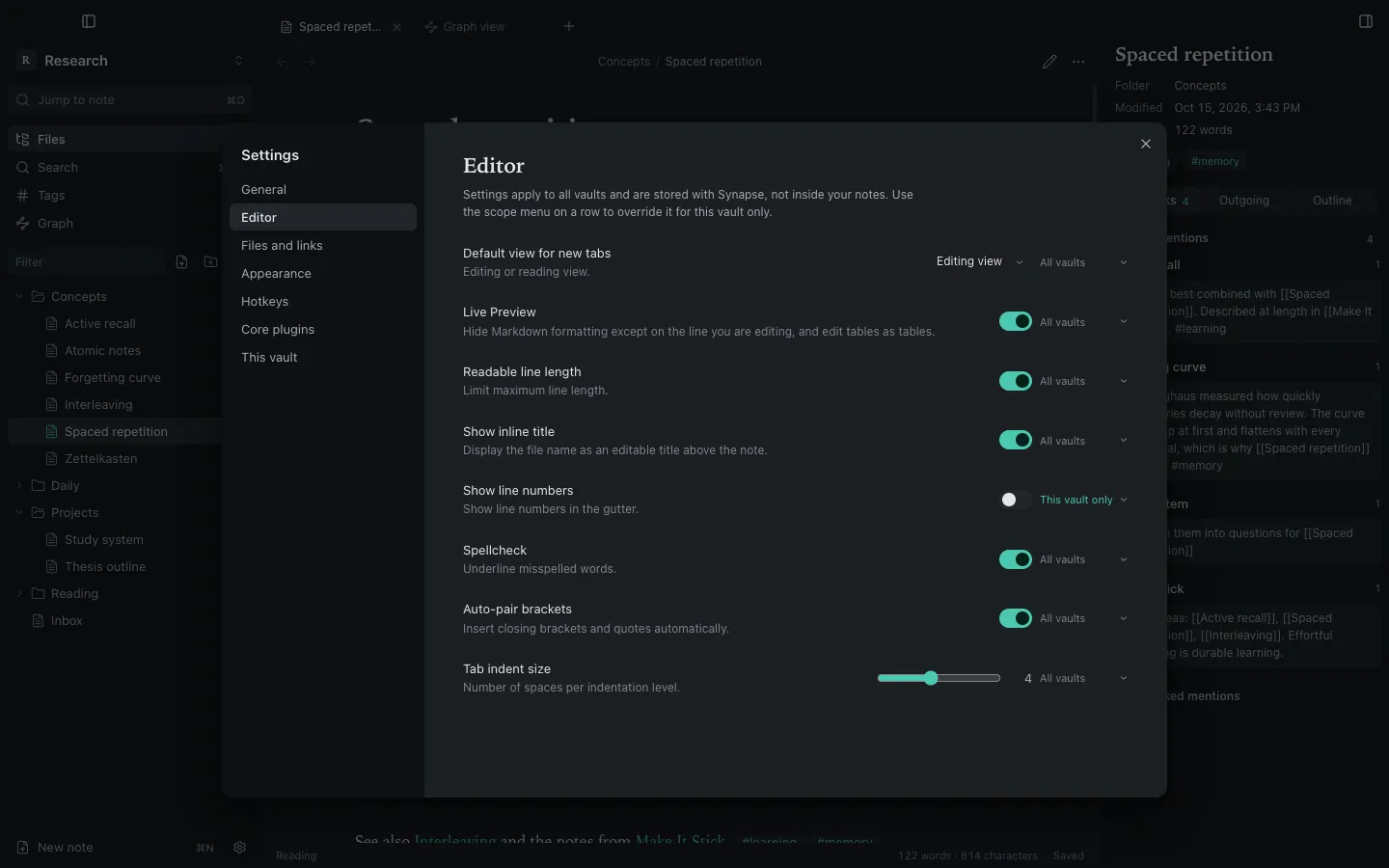
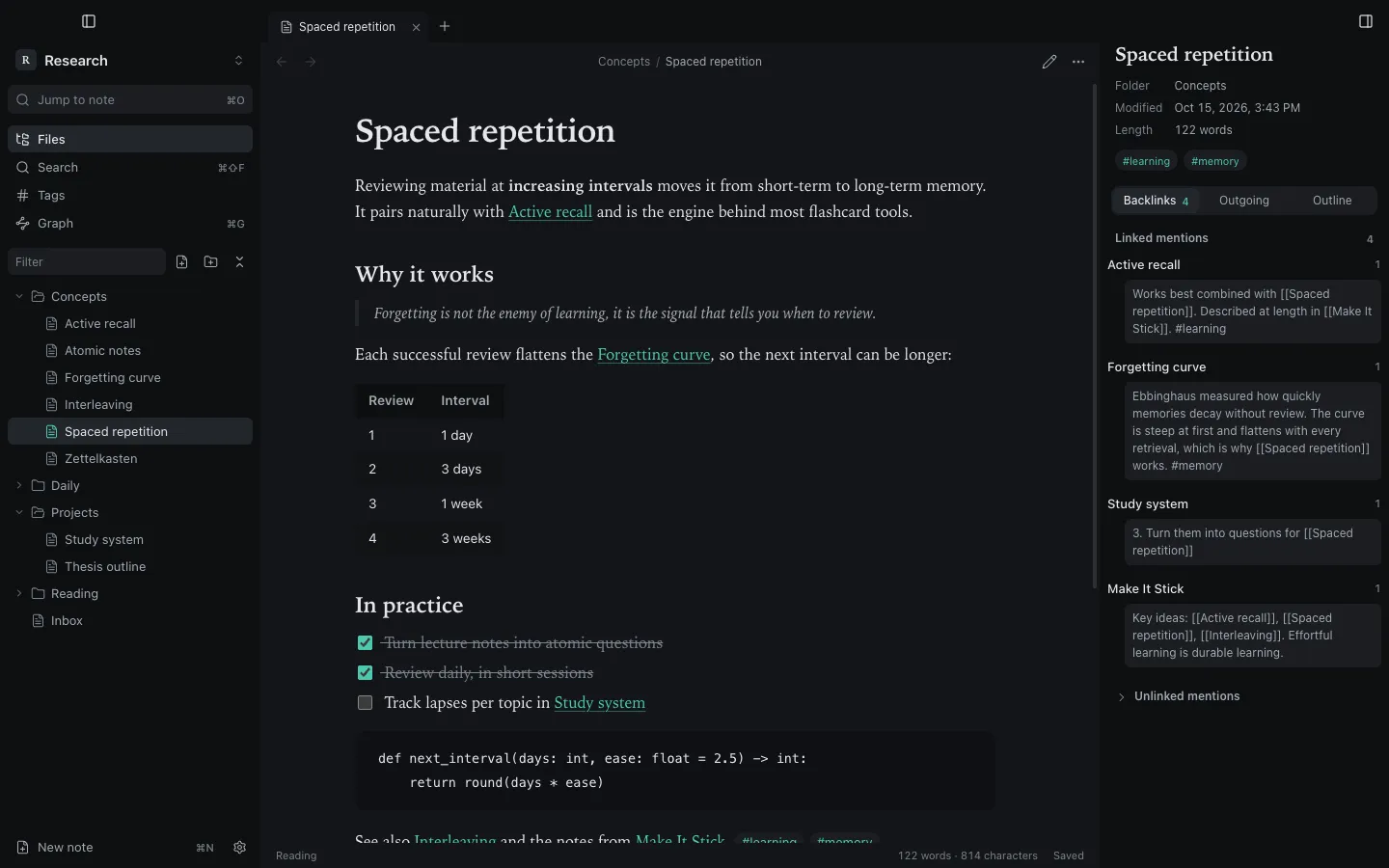
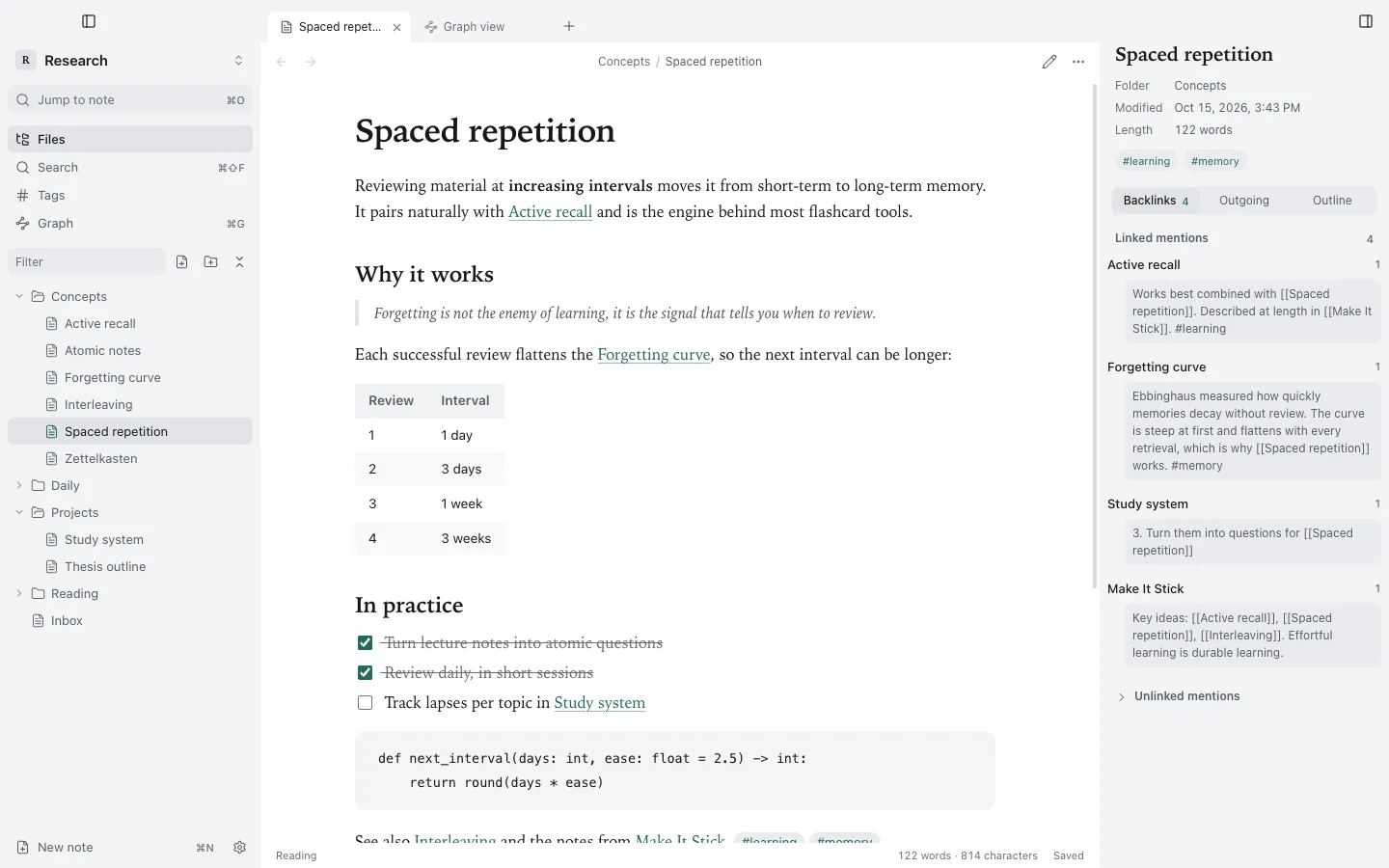
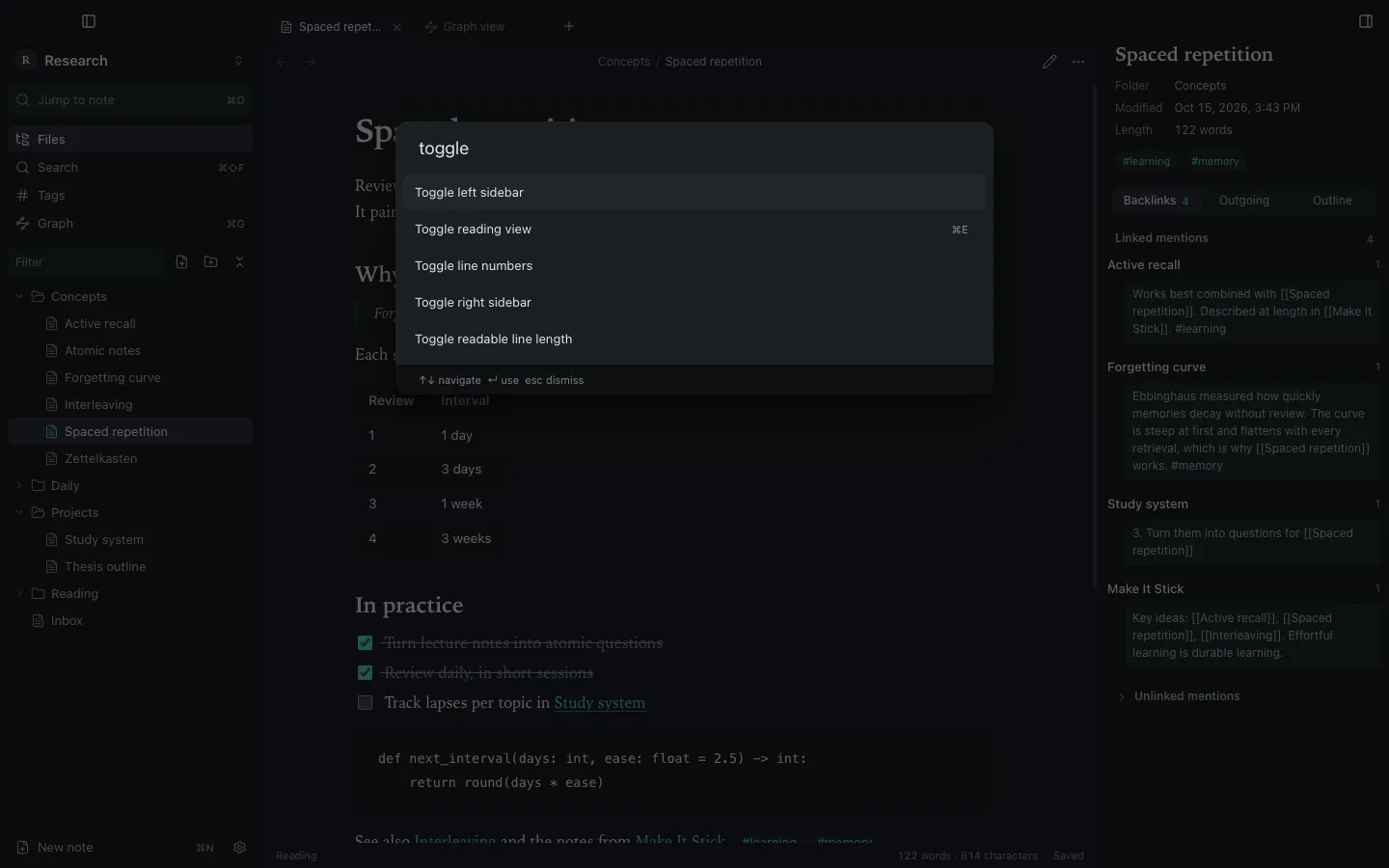
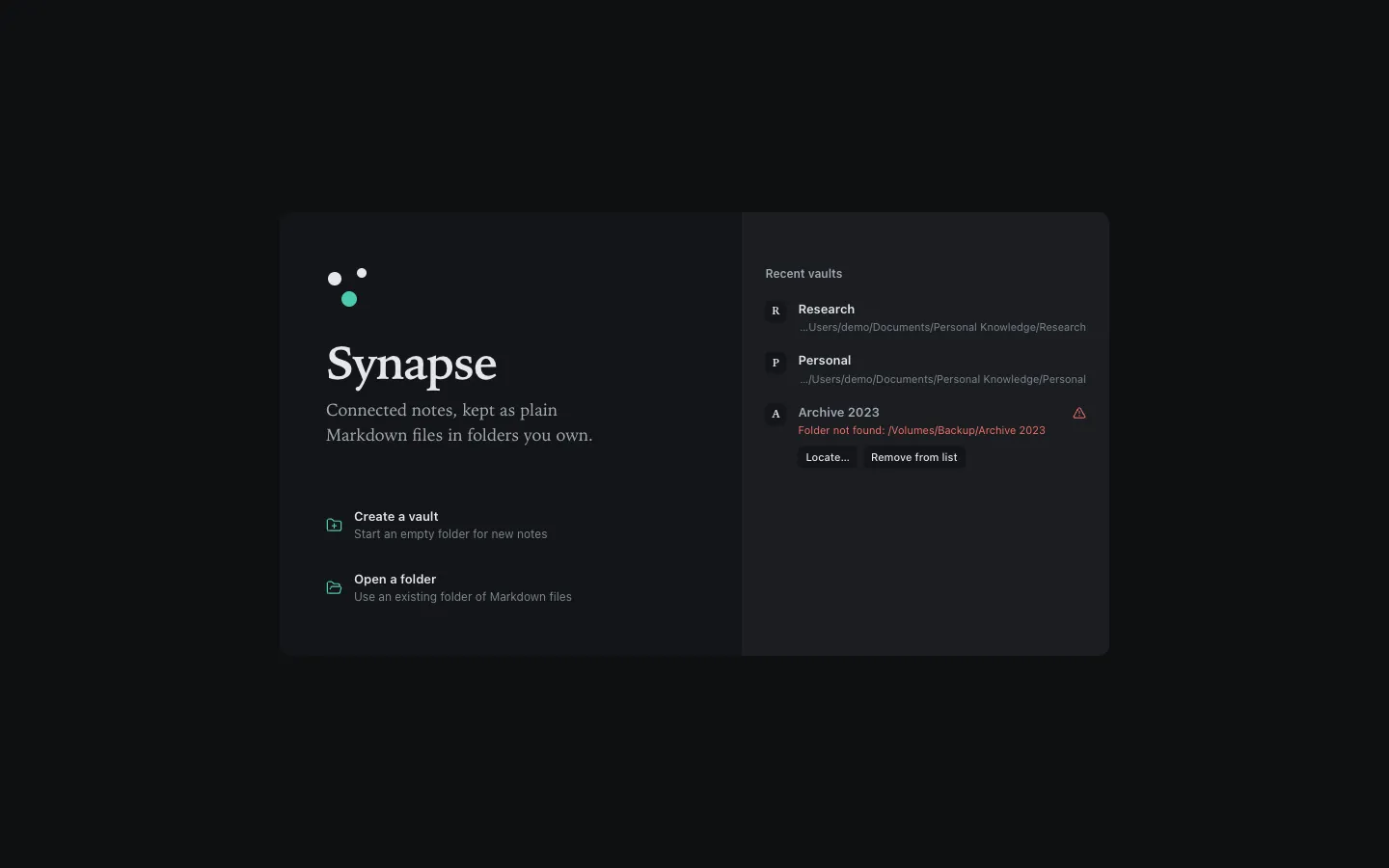
Calm, in every light.
Up and writing in minutes.
Full steps, requirements and what to do if macOS blocks the app: Installation guide.
Questions, answered.
Is Synapse free?
Yes. Synapse is open source under the MIT licence, and the builds on GitHub Releases are free to download. There is no account and no subscription.
Can I open my Obsidian vault?
A vault is any folder of Markdown files, so you can open an existing one. Synapse writes only its own .synapse/ folder and never modifies .obsidian/. Obsidian community plugins are not supported.
Where are my notes stored?
Wherever you put the vault folder. Every note is a .md file you can open in any editor, sync however you like and back up with Time Machine. Preferences live separately, in ~/Library/Application Support/Synapse.
Why does macOS warn me the first time?
Builds are ad-hoc signed and not notarized yet, so macOS cannot verify them. Open System Settings → Privacy & Security and click Open Anyway, once.
Does it run on Intel Macs?
Since 1.3.0 there is an Intel (x64) build next to the Apple silicon one, both for macOS 13 Ventura or later. The Intel build has not been tested on Intel hardware yet, so please report any problem.
Does Synapse go online?
Only to check for a new version at launch (one request to GitHub, which you can switch off) and when a note asks it to, such as loading a remote image or opening a web link in your browser. No telemetry, no cloud sync.
More in the full FAQ.