Plain files, no lock-in
Every note is a .md file in a normal folder. Open it in any editor, sync it however you like, back it up with Time Machine.
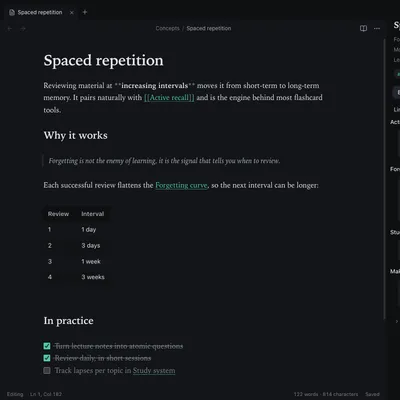
Plain files, no lock-in
Every note is a .md file in a normal folder. Open it in any editor, sync it however you like, back it up with Time Machine.
Preferences that stay put
Theme, fonts, editor and hotkeys are global. Switching vaults never resets them; any setting can be overridden for one vault.
Links are the point
Wiki links with autocomplete, backlinks with context, unlinked mentions, tags and a live graph.
Private by design
No account, no telemetry, no cloud. Your notes never leave your Mac.
.md) inside a vault.[[Note name]].Still stuck?
Check Troubleshooting or open an issue on GitHub with your Synapse and macOS versions.
MIT licence · Made for macOS