
Hotkeys
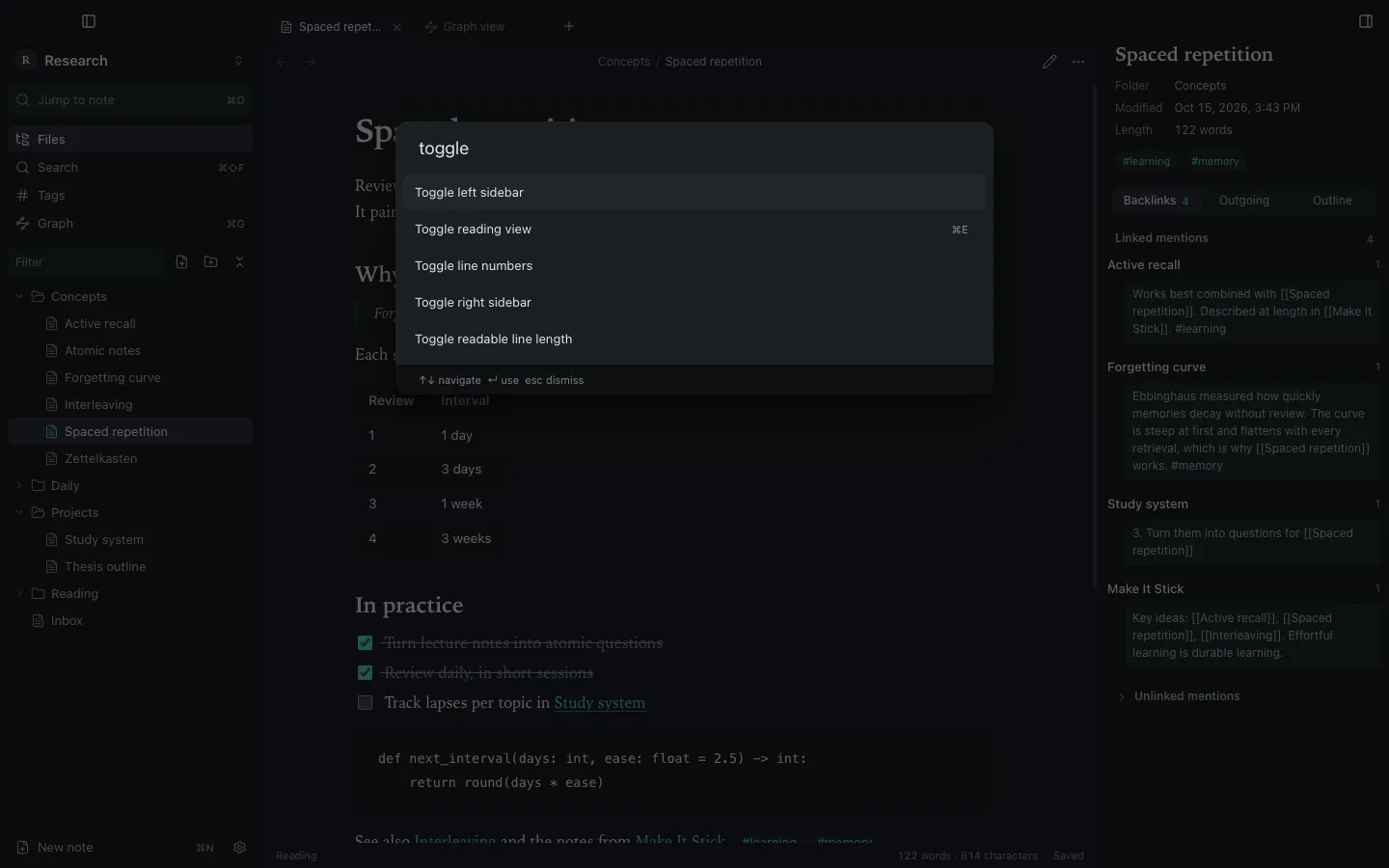
Hotkeys are global: they are the same in every vault.
Defaults
Section titled “Defaults”| Action | Shortcut | Action | Shortcut |
|---|---|---|---|
| Command palette | ⌘P | New note | ⌘N |
| Jump to note | ⌘O | New tab / close tab | ⌘T / ⌘W |
| Search all notes | ⇧⌘F | Reopen closed tab | ⇧⌘T |
| Find in note | ⌘F | Next / previous tab | ⌃⇥ / ⌃⇧⇥ |
| Reading / editing view | ⌘E | Back / forward | ⌥⌘← / ⌥⌘→ |
| Graph | ⌘G | Bold / italic / link | ⌘B / ⌘I / ⌘K |
| Settings | ⌘, | Toggle checkbox | ⌘L |
| Rename file | F2 | Close vault | ⇧⌘W |
Changing a hotkey
Section titled “Changing a hotkey”- Open Settings → Hotkeys and filter for the command.
- Click the add button on its row and press the new combination.
- If it is already used, the row shows which commands it conflicts with.
Remove a binding with its remove button, or use Restore default on the row.
Still stuck?
Check Troubleshooting or open an issue on GitHub with your Synapse and macOS versions.
Synapse
MIT licence · Made for macOS