
Search and navigation
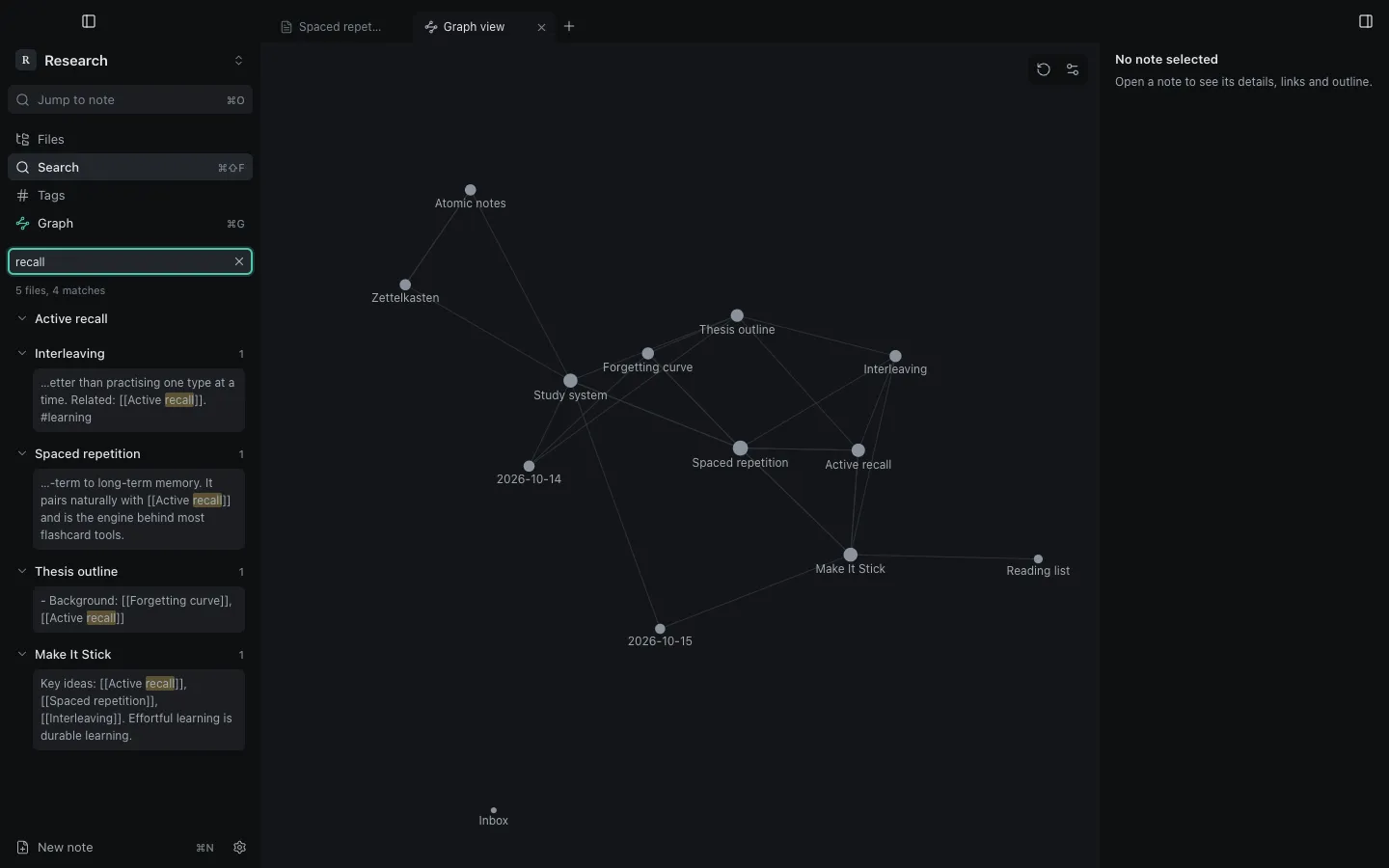
Search
Section titled “Search”Open Search in the left dock or press ⇧⌘F. Results show the matching lines with the match highlighted; click one to jump to that line.
| Query | Finds |
|---|---|
spaced review |
notes with both words |
"spaced repetition" |
the exact phrase |
memory -sleep |
notes with memory and without sleep |
tag:#learning |
notes with that tag |
path:Projects |
notes inside a folder |
file:outline |
notes whose file name matches |
Quick switcher and command palette
Section titled “Quick switcher and command palette”- ⌘O jumps to any note by name, with fuzzy matching.
- ⌘P opens the command palette: every action, with its shortcut.
Tabs and panes
Section titled “Tabs and panes”- ⌘T opens a tab, ⌘W closes it, ⇧⌘T reopens the last closed one.
- ⌃⇥ and ⌃⇧⇥ move between tabs; ⌥⌘← and ⌥⌘→ go back and forward in a tab’s history.
- Split right or Split down from a tab’s menu, or Open to the right from the file tree. Panes run in one direction, up to four.
Open tabs, panes and recent notes are remembered per vault.
Still stuck?
Check Troubleshooting or open an issue on GitHub with your Synapse and macOS versions.
Synapse
MIT licence · Made for macOS