
Graph
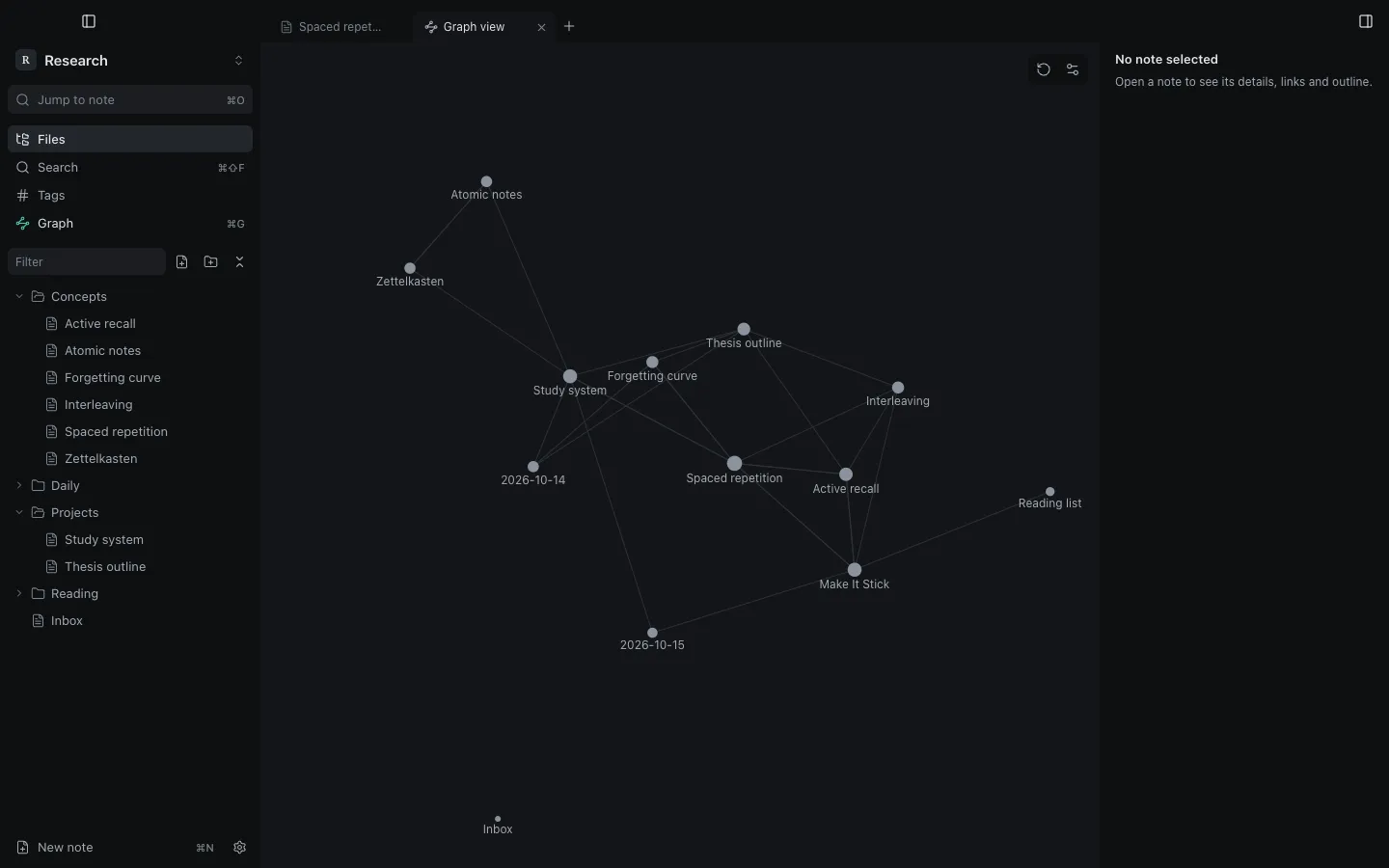
Press ⌘G to open the graph: every note is a node and every link an edge. The active note is marked in the accent colour.
- Drag nodes, scroll to zoom, click a node to open its note.
- Restart layout recomputes the positions.
Graph settings
Section titled “Graph settings”Graph settings are stored per vault:
| Setting | Effect |
|---|---|
| Show orphans | include notes with no links |
| Show unresolved links | include links to notes that do not exist yet |
| Link distance | preferred length of edges |
| Repel force | how strongly nodes push each other apart |
The graph can be turned off in Core plugins.
Still stuck?
Check Troubleshooting or open an issue on GitHub with your Synapse and macOS versions.
Synapse
MIT licence · Made for macOS